Raise your hand if you’ve ever picked up a WIP after a few weeks and had NO idea what row you were on. 🙋♀️ Or which hook you used. Or what you changed so the sleeves fit. Same, friend. Same.
I always have way too many projects going at once (designer life 😅), and for years my “system” was sticky notes, screenshots and a lot of guessing. So in this post I’m sharing exactly how I keep track of my crochet projects now, from rows and repeats to yarn and sizing, so you can pick up any WIP and keep going like you never left.
Just want the shortcut? I built a free-to-try WIP Project Tracker demo you can play with right now on your phone or computer. 👇
Never lose your place again 🧶
Try my WIP Project Tracker free, right in your browser. No email, no app, no login.
Why every crocheter needs a WIP tracker
Here’s the thing nobody tells you: your brain is not a row counter. Every unfinished project quietly takes up space in your head. Which row was I on? Was that the 4.5 mm or the 5 mm? Did I add the extra inch?
That little nagging feeling is real (psychologists call it the Zeigarnik effect), and it’s one of the biggest reasons WIPs end up stuffed in a bag and forgotten.
When you write it all down in one place, two things happen:
- Your brain relaxes. You don’t have to remember anything, so crochet goes back to feeling cozy instead of stressful.
- You actually finish. Seeing your progress bar creep from 45% to 80% is SO motivating. The closer you get, the more you want to cross that finish line.
Organized makers aren’t more talented. They just stopped relying on memory. 💕
Sound familiar?
☐ You’ve frogged rows just to figure out where you left off
☐ You have 3+ WIPs going and can’t remember which hook goes with which
☐ Your second sleeve (or bikini cup!) came out a different size than the first
☐ You’ve bought yarn you already had hiding in a bin
☐ You ran out of yarn and couldn’t find the same dye lot
☐ You lost the screenshot or tab with the pattern you were using
☐ You have no idea how long your last make took (so pricing commissions is a total guess)
If you checked even one, a WIP tracker is going to make your crochet life so much easier.

What losing your place really costs
Let’s do some quick crochet math:
- ⏰ 2+ hours frogging and re-crocheting rows you already made
- 🧶 More $$ for an extra skein you didn’t need (or a whole new batch because the dye lot doesn’t match)
- 😩 One more project abandoned in the “I’ll get back to it” bag
Now compare that to a tracker that costs less than a couple of skeins of yarn and works for every project you’ll ever make. Yeah. 😉
Before vs. after
| Without a tracker 😵 | With the WIP Tracker 😌 |
|---|---|
| Sticky notes, screenshots + guessing | Every detail for every WIP in one place |
| Counting rows in your head (and losing count) | Tap + to count, repeats add up for you |
| “Which hook did I use?!” | Hook, gauge + size saved with the project |
| Buying yarn you already own | Yarn stash with total yards at a glance |
| No idea how long a make took | Built-in project timer |
| WIPs forgotten in a bag | Progress bars that make you WANT to finish |
Why keeping track of your crochet projects matters
Crochet is all about consistency. If your tension, hook size or row count changes halfway through, you’ll notice it, especially on wearables like tops and cardigans. Keeping good notes helps you:
- Pick up where you left off without frogging “just to check”
- Make both sleeves or panels match
- Remember the mods you made so you can make it again
- Know how much yarn you have before you start something new
- Actually finish things (those goal dates help, I promise)
How to count rows and repeats without losing your place
Rows are easy to lose, and repeats are even worse. Here’s what works for me:
- Use a stitch marker in the first stitch of every row so you can always find the start.
- Mark every 10th row with a different colored marker. Counting back from 10 is so much easier than counting from 1.
- Count repeats separately from rows. If a pattern repeat is 4 rows long, track “row 3 of repeat 5” instead of just “row 19”.
- Use a tap counter so you’re not doing mental math mid-stitch.
In my tracker, you just tap + every row. Set your rows per repeat and it counts the repeats for you, and if you add your target rows, your progress bar fills up as you go. There’s an undo button for those “oops, double tapped” moments too. 😉
Keep your yarn stash organized too
Half the battle is knowing what yarn you already own. I keep a simple list of each yarn: brand, color, weight, how many skeins, yards per skein and where it’s stored (Bin 2, closet shelf, the “scrap bag of shame”… we all have one). Then when I start a new project, I can link the yarn to it and see at a glance if I have enough.
Paper or digital: which is better?
Honestly? Both! I use them for different things:
- Paper is perfect for sketching designs and brainstorming. That’s why I made My Crochet Journal, a 100-page paperback for ideas, notes and doodles.
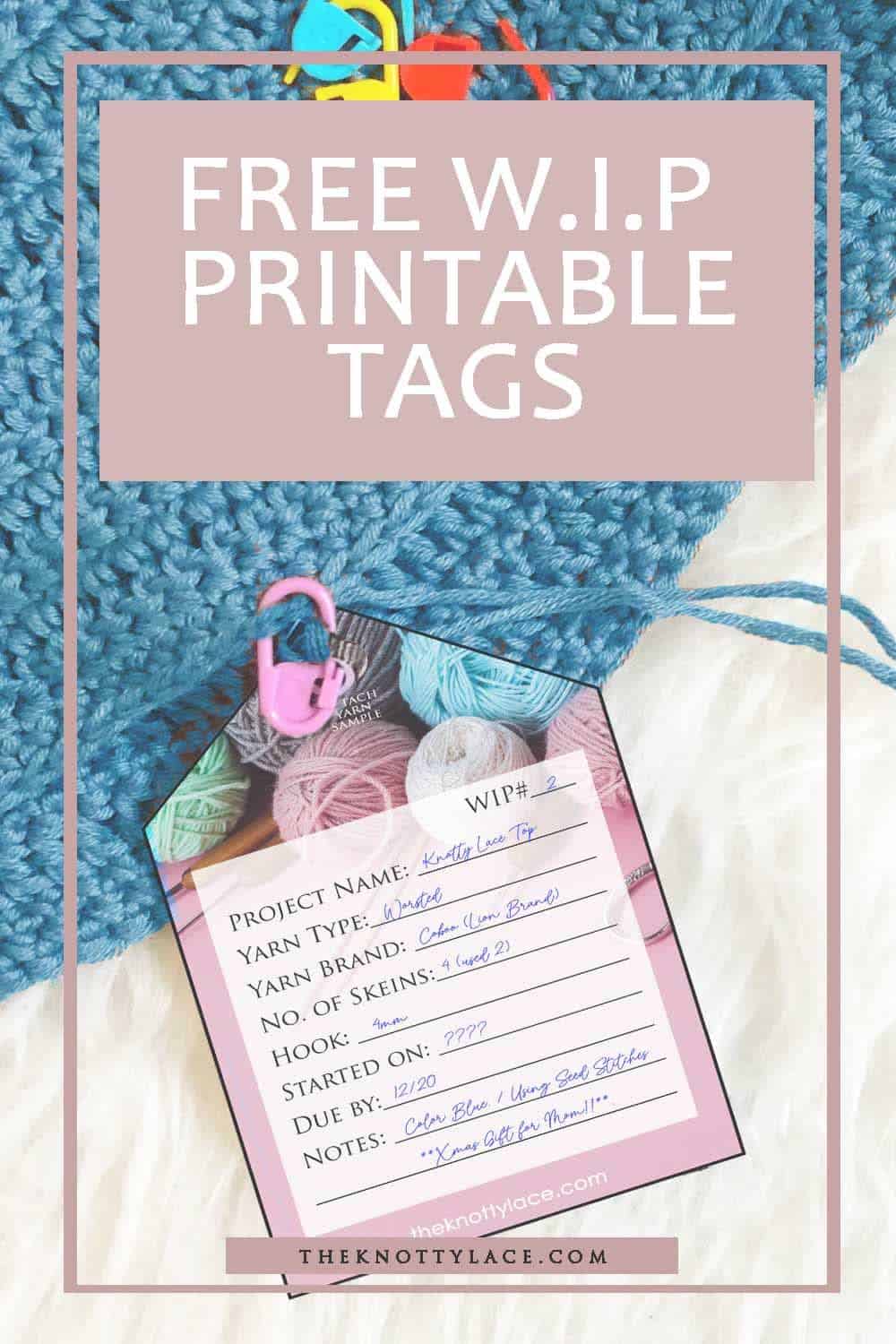
- WIP tags are great for labeling project bags so you can grab the right one fast. Here’s how I organize my WIPs with label tags.
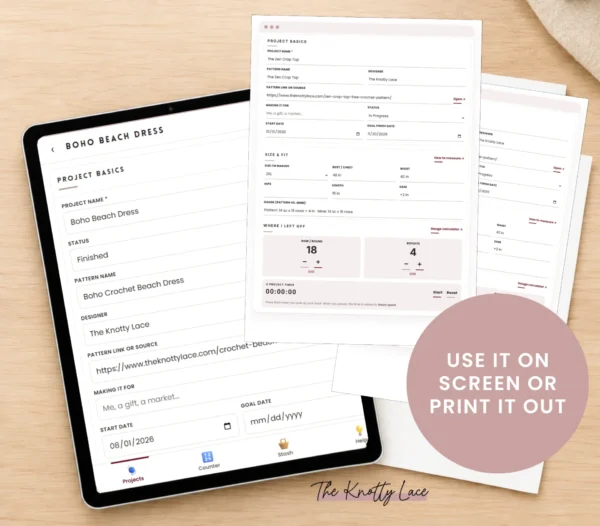
- Digital wins for counting rows, timing projects and keeping everything searchable on your phone, right where you crochet.
Try my WIP Project Tracker (free demo!)
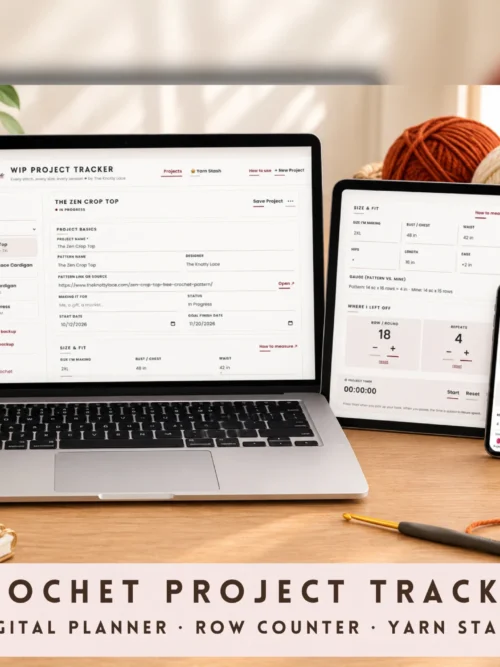
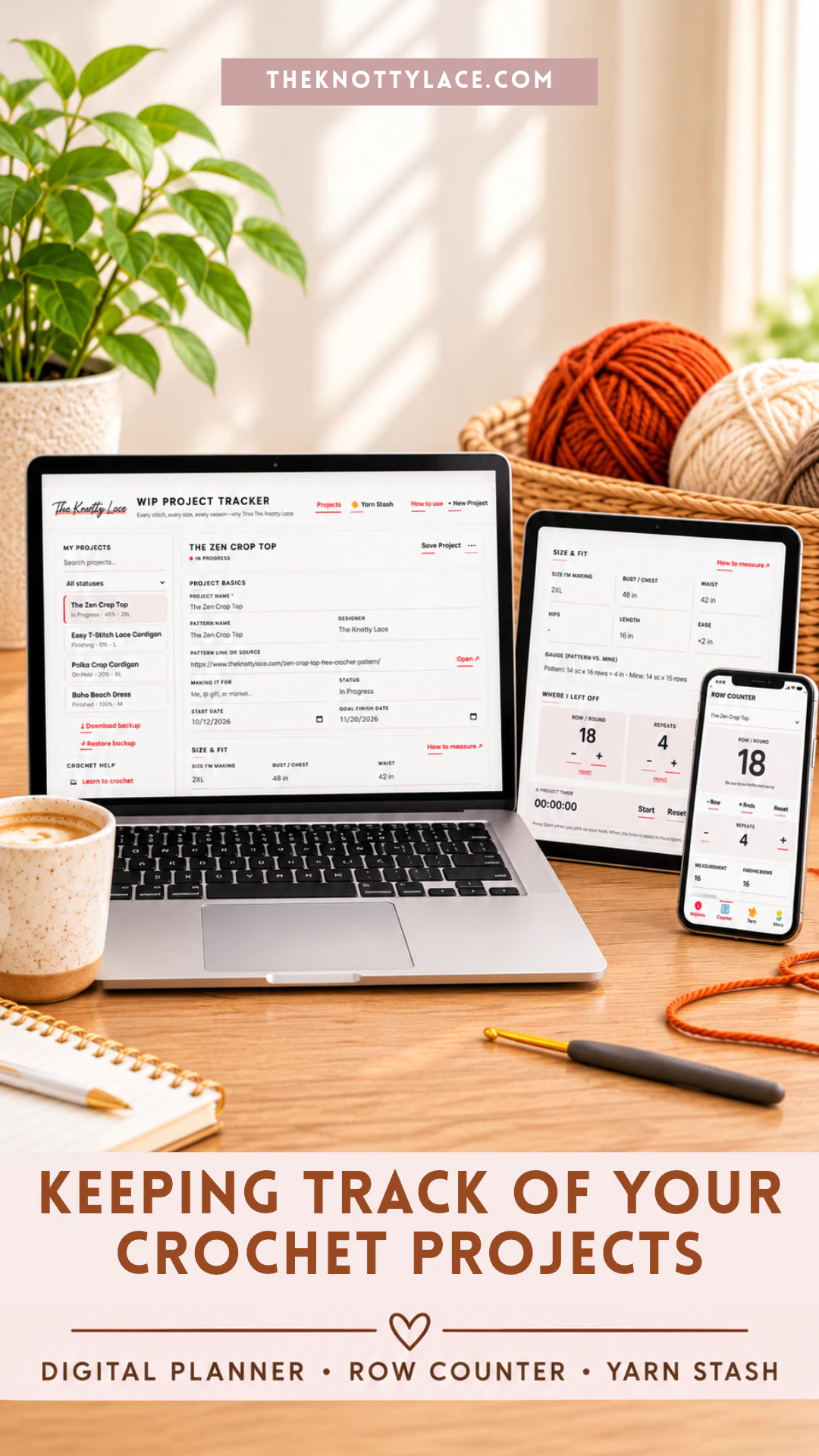
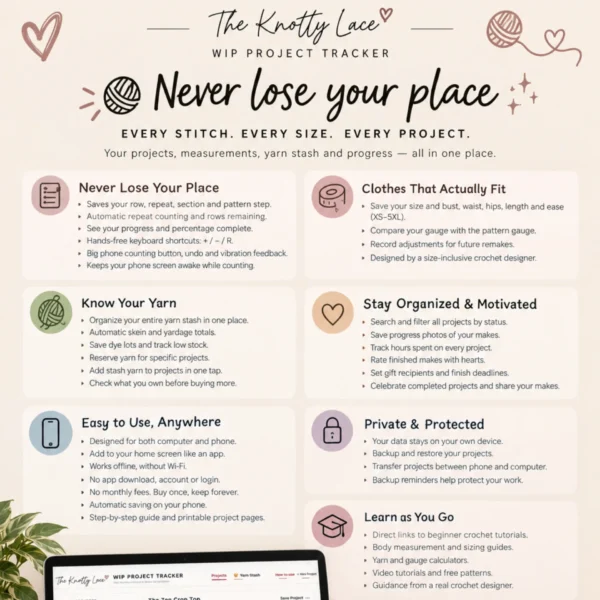
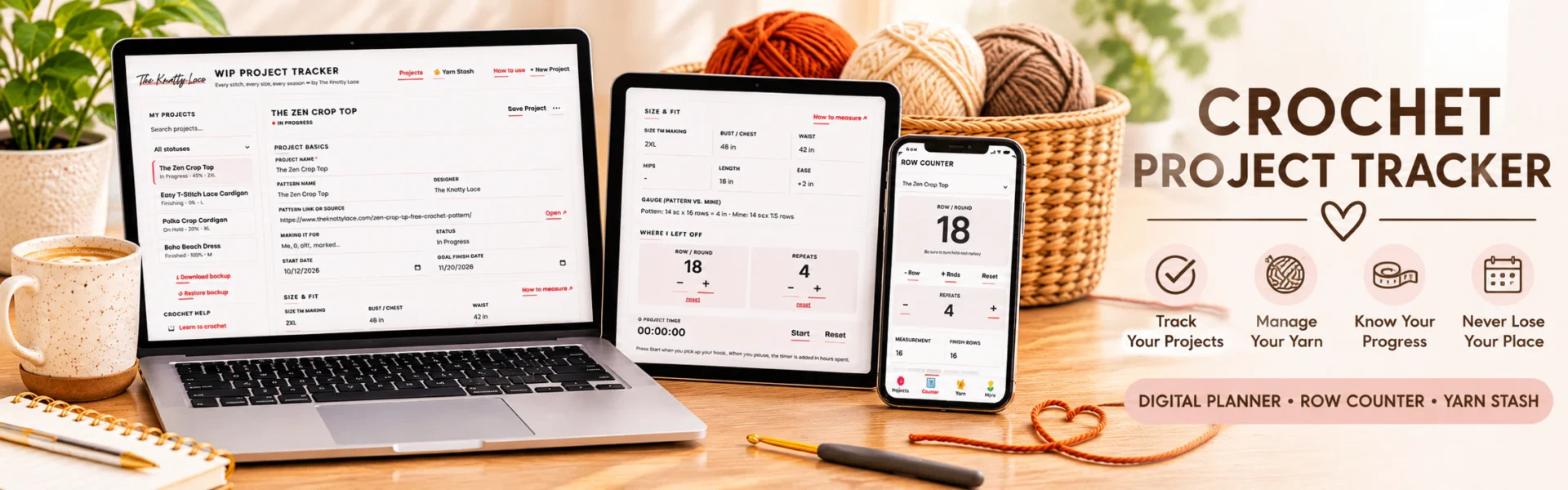
I built The Knotty Lace WIP Project Tracker because I wanted all of this in one happy place, on my phone AND my computer, with no app, no login and no subscription. Here’s what it does:
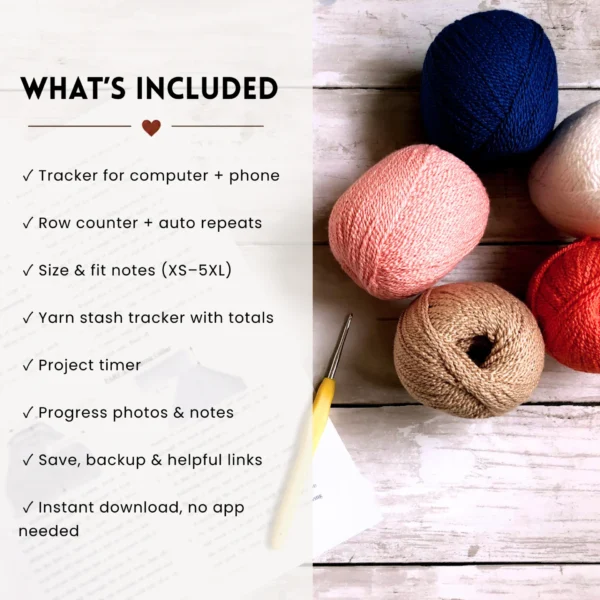
✔️ Tracks every WIP: pattern, size, measurements, hook, gauge, yarn, dye lot and notes
✔️ Tap row counter with undo, auto repeats and keep-screen-awake
✔️ Yarn stash with automatic yardage totals
✔️ Project timer (great if you sell commissions!)
✔️ Progress bar, photos, start + goal dates
✔️ Works for crochet and knitting, all sizes XS–5XL
How it works in 3 easy steps
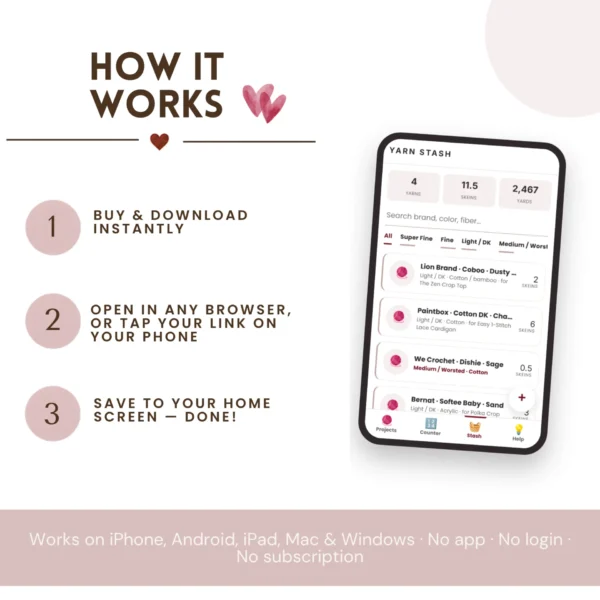
1. Add your project. Tap +, then add your pattern, size, hook and yarn. Snap a photo if you like!
2. Tap to count. Open the counter while you crochet and tap + every row. Repeats and progress update on their own.
3. Pick up anytime. Come back days (or months 😅) later and see exactly where you left off.
Give it a spin below. It’s a demo with my sample projects, so nothing you type is saved:
Ready to finish more WIPs?
Instant download · phone + computer · no subscription · I’ll personally help if you get stuck 💕
The perfect gift for the crocheter in your life 🎁
Shopping for a crochet bestie, your mom, or treating yourself? (You deserve it.) The WIP Project Tracker is an instant download, so it’s perfect for last-minute gifting. No shipping, no waiting.
Want to make it extra special? Pair it with:
- 📓 My Crochet Journal for sketching designs and pattern ideas
- 🔖 WIP project tags to label every project bag
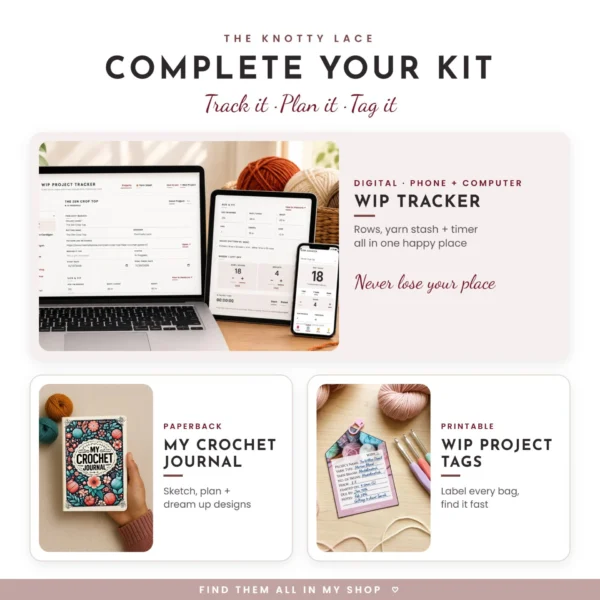
Track it, plan it, tag it. That’s the complete crochet kit right there. 💕
***
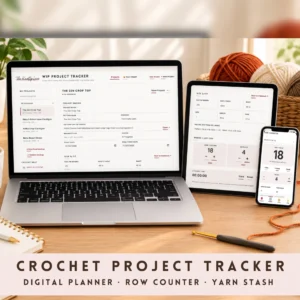
WIP Crochet Project Tracker – Digital Planner for Phone & PC
Original price was: $12.99.$9.99Current price is: $9.99.
Enjoying our content? Make us a preferred source on Google.
Add us as a Preferred Source on Google